ZENSYNC / SOFTWARE SERIES 01—04
Built for your next show. TIME / SYNC / PRESENT / SHARE
DRAG SLOWLY · SWING TO SPIN ↔
01 / EVENT TIMING ZenTimer WINDOWS · V1.0.2 02 / AUDIO & TIMECODE ZenTC WINDOWS 03 / PRESENTATION CONTROL ZenPresent WINDOWS 04 / LOCAL FILE SHARING ZenBeam 3.0 / BEAMWEB
01 / 04
ZenTimer Keep every session on time. Give your speakers a clear countdown on their own screen.
01 ZenTimer02 ZenTC03 ZenPresent04 ZenBeam
THE APPLICATIONS / 01—04
Your crew.In software. Purpose-built tools for the practical details
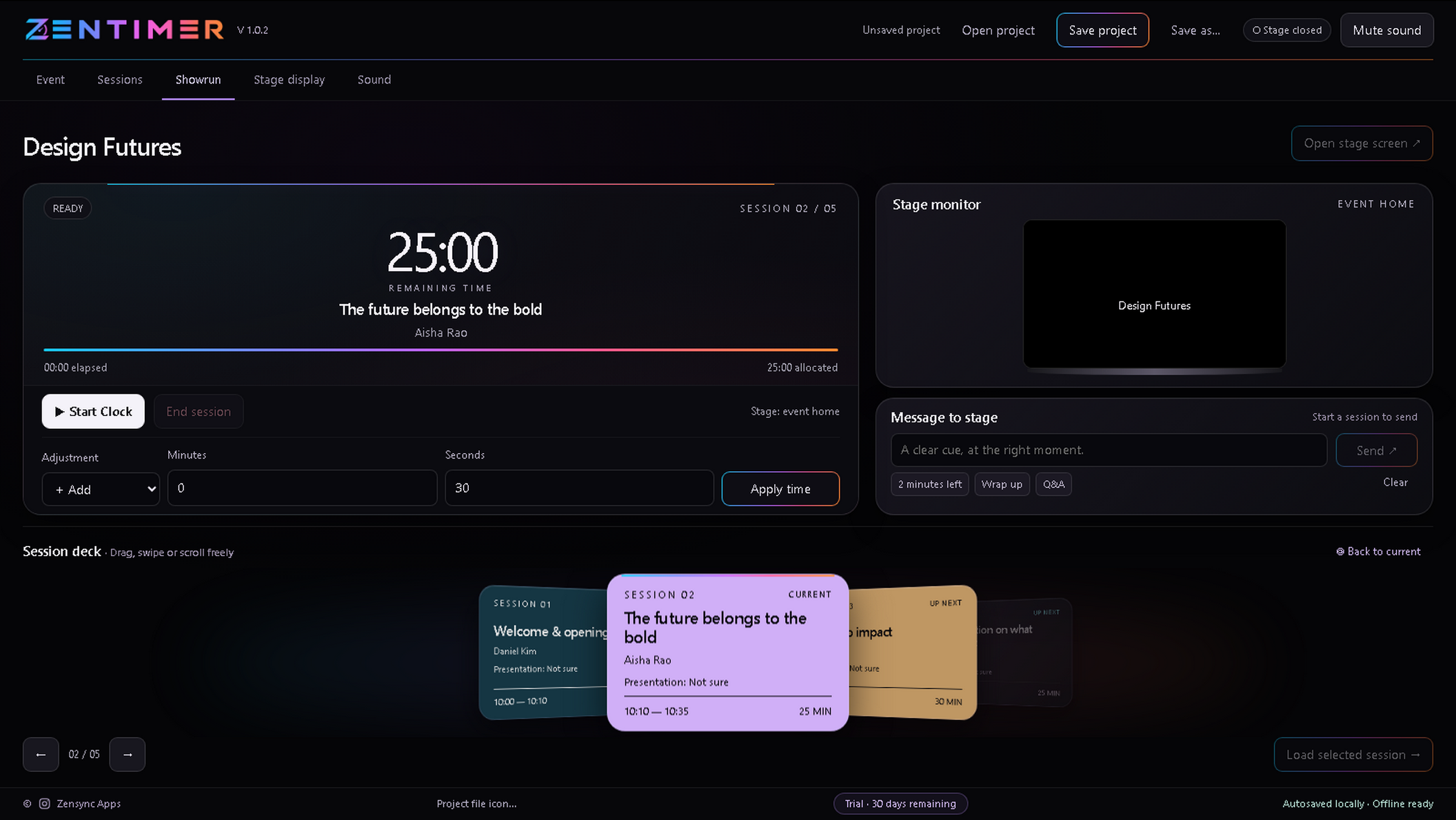
01 / EVENT TIMING WINDOWS · V1.0.2
Every second.
Plan the sessions, run the countdown and keep your speakers informed. Your controls stay on the laptop; the stage gets a clear, dedicated display.
Session planning & live time adjustments Separate stage display & private messages Event branding & custom bell cues Works offline after activation THE CONTROL SURFACE ZEN / 01
ZenTimer / Showrun View screenshot ↗
02 / AUDIO & TIMECODE WINDOWS
One timeline.
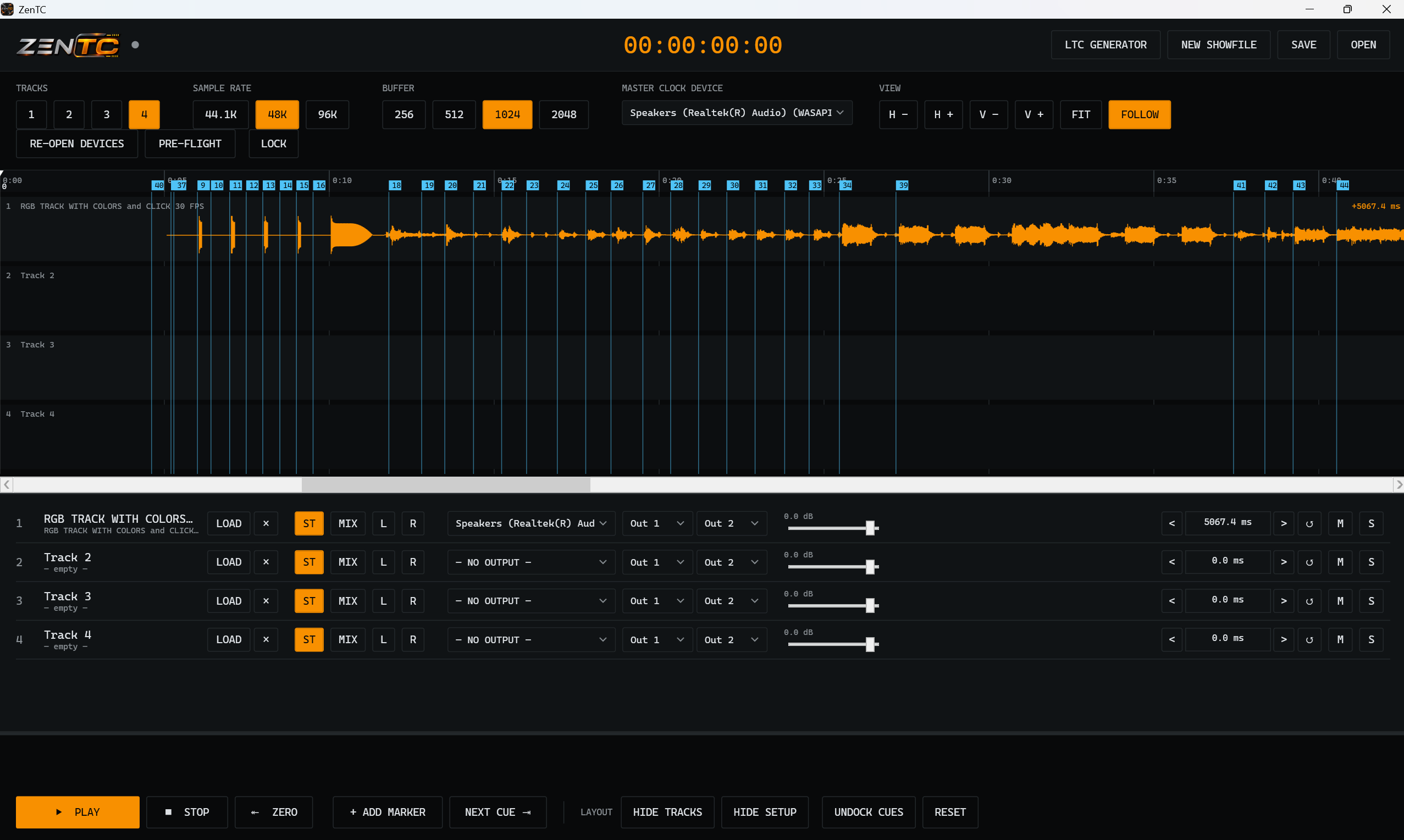
A show-control audio player that keeps Audio, Timecode and OSC running together. Load your show audio, generate LTC and fire pre-programmed OSC commands at the right moment.
Four-track audio with flexible output routing LTC timecode generation Timeline cues & pre-programmed OSC commands Sync lights, visuals & lasers via LTC or OSC THE CONTROL SURFACE ZEN / 02
01 / Timeline 02 / OSC cues 03 / LTC
ZenTC / Audio & timecode View screenshot ↗
03 / PRESENTATION CONTROL WINDOWS
Own the deck.
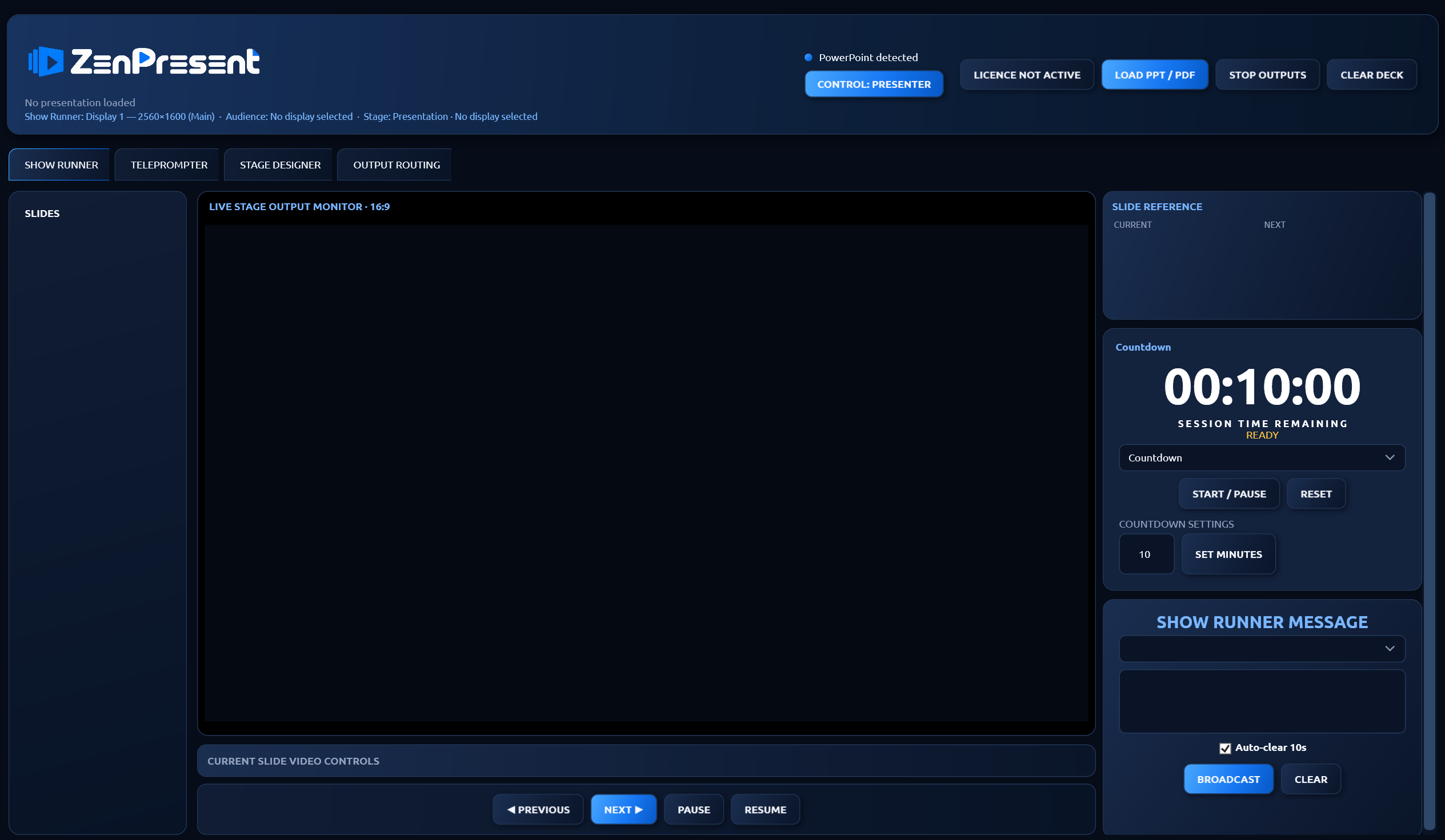
Run PowerPoint and PDF presentations from one operator console. Give the audience the slides and the presenter the information they need.
PowerPoint & PDF playback Independent audience & stage outputs Custom stage layouts & speaker notes Countdown & private operator messages THE CONTROL SURFACE ZEN / 03
ZenPresent / Show Runner View screenshot ↗
04 / LOCAL FILE SHARING 3.0 / BEAMWEB
The file you need.
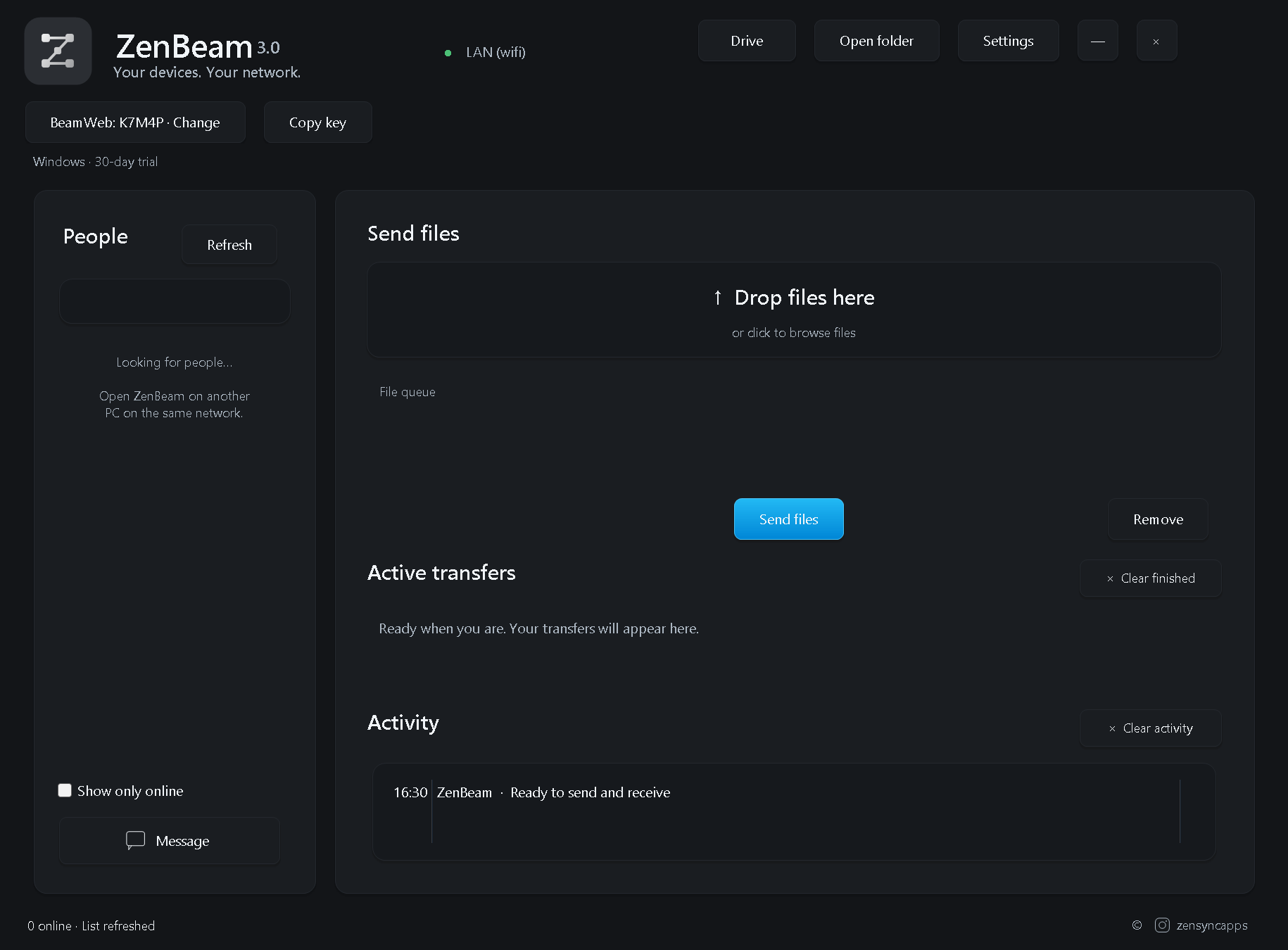
Create or join a BeamWeb using a five-character key. Connect your team on the same local network, share files and folders, and keep the conversation alongside the transfer.
BeamWeb groups with a saved five-character key Shared folders with access permissions Direct messages & group conversations Windows, macOS & Android 3.0 · same version on every device THE CONTROL SURFACE ZEN / 04
ZenBeam 3.0 / BeamWeb View screenshot ↗
YOUR WORKFLOW / YOUR APP
NOT OFF. BUILT FOR YOU. ✳ Have a requirement that
I also build custom applications around your requirements. Tell me what you want to do, who will use it and how it needs to work.
Talk about your idea ↗ Scope and pricing are agreed for each project.